
Caravan Parks with Great WiFi for Remote Workers
Discover Australia's best caravan parks for remote work: reliable WiFi, good mobile coverage, and extended stay options for digital nomads.
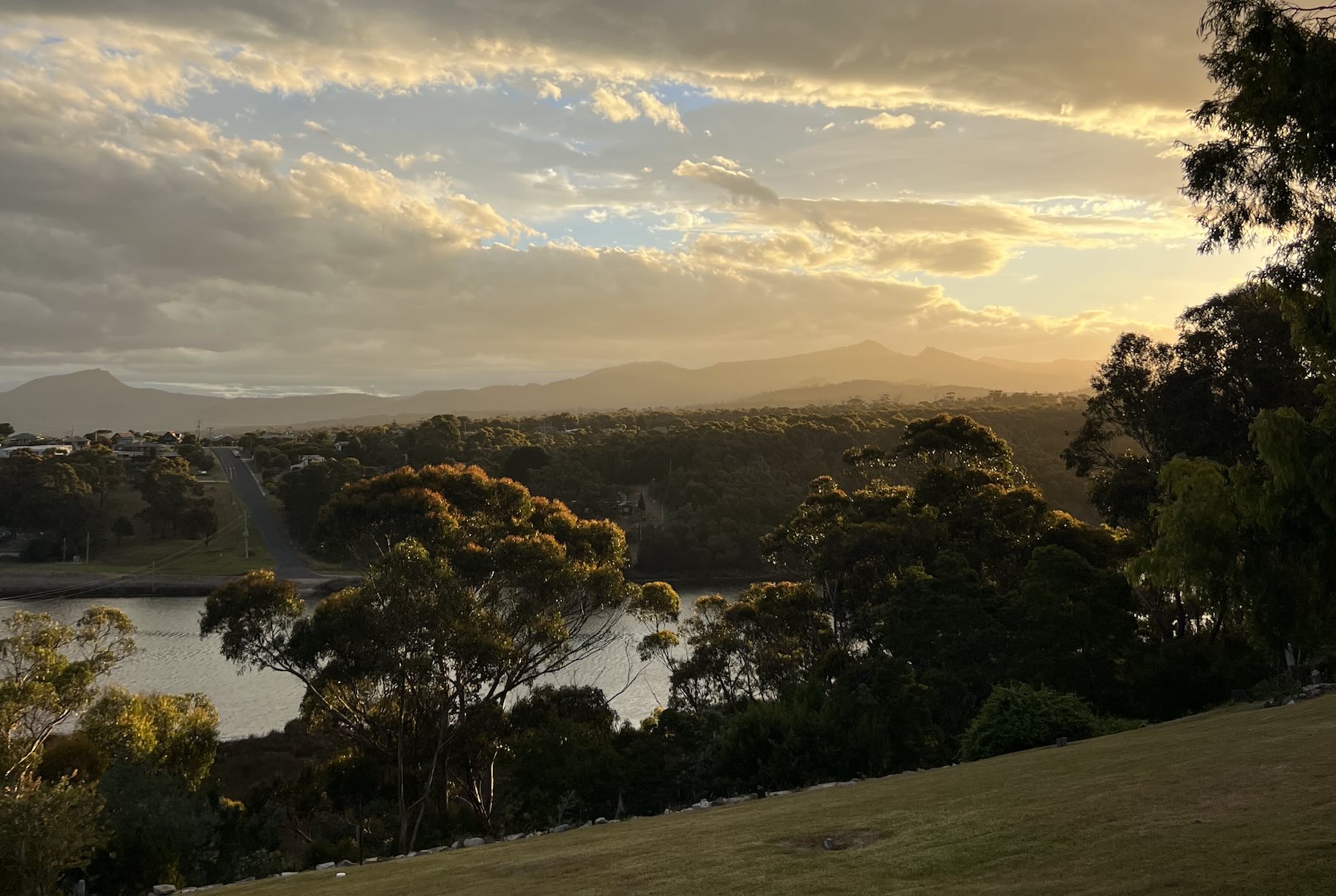
The office view has changed. Instead of fluorescent lights and partition walls, you could be looking at morning mist rising over a river, waves rolling onto a beach, or kookaburras in the gum trees outside your cabin window. Remote work has untethered millions of Australians from the desk, and a growing number are discovering that caravan parks make brilliant bases for working on the road.
But here's the catch: not all parks are created equal when it comes to connectivity. Nothing derails a workday faster than a video call that drops out, a file that won't upload, or WiFi that slows to a crawl when everyone logs on after dinner.
This guide is for the laptop warriors, the freelancers, the consultants, and anyone else who needs reliable internet while travelling. We'll cover what to look for, how to find parks with solid connectivity, and our top recommendations for working remotely from Australia's holiday parks.
Why Work From a Caravan Park?
Before we dive into the practicalities, let's talk about why caravan parks are quietly becoming the remote worker's best friend:
- Cost effective – A powered site or basic cabin costs a fraction of city rent. Stay a few weeks and the savings add up fast.
- Change of scenery – Nothing beats the productivity boost of a new environment. Swap the home office for a camp kitchen with a view.
- Community – Parks have a social element that coworking spaces try to manufacture. You'll meet fellow travellers, share tips, and maybe make a few friends.
- Work-life balance – Finish the workday and you're already at the beach, the bushwalk, or the barbecue. No commute required.
- Explore while you earn – Move from place to place, working your way around Australia without burning through savings.
The key is finding parks where the internet actually works.
What to Look for in a Work-Friendly Park
WiFi That Delivers
Park WiFi varies wildly. Some parks offer fast, reliable connections included in your stay. Others have WiFi that's technically "available" but unusable for anything beyond checking email.
When assessing WiFi, consider:
- Speed – Can you run video calls and upload files, or just browse websites?
- Reliability – Does it drop out during peak times?
- Data limits – Some parks cap daily usage; unlimited is better for remote work
- Coverage – Does WiFi reach your site or cabin, or only the camp kitchen?
Total Parks shows WiFi availability in park listings, so you can filter for parks that offer it. Use the interactive map and check the "WiFi" filter under Connectivity to narrow your search.
Mobile Coverage
Park WiFi is one piece of the puzzle. Mobile coverage is your backup, and sometimes your primary connection.
Telstra generally offers the best regional coverage across Australia. If you're heading to rural or remote areas, Telstra is your safest bet. In metro areas and major regional centres, Optus often performs equally well and sometimes better.
Tips for mobile connectivity:
- Check coverage maps before booking – Both Telstra and Optus have online coverage checkers
- 5G where available – Parks in areas with 5G coverage can offer blazing fast mobile internet
- Consider a mobile hotspot – Dedicated hotspot devices often get better signal than phones
- External antenna – If you're in a van or caravan, a roof-mounted antenna can dramatically improve reception
- Dual-SIM backup – Carry both Telstra and Optus SIMs to maximise your chances of coverage
Total Parks' map lets you filter for Telstra 5G and Optus 5G coverage, helping you find parks with the best mobile connectivity.
Workspace Options
Not every park is set up for laptop work, but many have options:
- Camp kitchens – Often the best spot for working. Tables, chairs, power points, and usually the strongest WiFi signal.
- Cabin desks – Some cabins include a small desk or dining table that works perfectly for a laptop setup.
- Covered areas – BBQ pavilions and common areas can serve as impromptu offices on nice days.
- Your own setup – With a powered site, you can create your workspace in an awning or van.
Extended Stay Options
Digital nomads typically stay longer than weekend warriors. Look for:
- Weekly rates – Many parks offer discounts for 7+ night stays
- Monthly rates – Extended stays of 28+ nights often come with significant savings
- Flexible booking – Parks that allow date changes accommodate the unpredictable nature of remote work
- Laundry facilities – Essential for longer stays
Our Top Picks for Remote Work
⭐ BIG4 Launceston Holiday Park, Tasmania
Our pick for remote work in Tasmania. Reliable connectivity, excellent facilities, and a location that puts you close to everything Launceston offers.
BIG4 Launceston Holiday Park sits in a prime position for digital nomads exploring Tasmania. Located just minutes from Launceston's CBD, you get the benefits of city infrastructure (reliable mobile coverage, nearby cafes with WiFi as backup) combined with the relaxed pace of park life.
Why it works for remote workers:
- City-adjacent location – Strong mobile coverage from all carriers, with Launceston's 4G/5G networks within easy reach
- Modern facilities – Well-maintained amenities and camp kitchen provide comfortable working spaces
- Cafe culture nearby – When you need a change of scenery, Launceston's excellent coffee scene is minutes away
- Explore on weekends – Use it as a base for Cataract Gorge, the Tamar Valley wine region, and northern Tasmania's highlights
Tasmania is increasingly popular with remote workers, and Launceston's combination of affordability, natural beauty, and reliable connectivity makes it an ideal base. BIG4 Launceston puts you right in the sweet spot.
⭐ BIG4 Aireys Inlet Holiday Park, Victoria
The Great Ocean Road's best work-from-anywhere option. Coastal beauty, excellent facilities, and connectivity that actually works.
If you want to work with the ocean as your backdrop, BIG4 Aireys Inlet Holiday Park delivers. This well-run park sits in one of the Great Ocean Road's most charming villages, close enough to Melbourne for reliable coverage, far enough to feel like a genuine escape.
Why it works for remote workers:
- Solid connectivity – Mobile coverage is reliable in Aireys Inlet, with the park positioned well for signal strength
- Modern cabins – Comfortable accommodation with space to set up a proper workspace
- Excellent facilities – Clean amenities, camp kitchen, and well-maintained grounds
- The perfect work-life balance – Finish the workday and walk to Split Point Lighthouse for sunset, or hit the beach for a morning surf before your first meeting
Aireys Inlet itself has good cafes (A La Grecque is a local favourite) if you need a backup workspace or just want to mix up your routine. The village vibe is relaxed without being isolated, perfect for productive workdays followed by coastal evenings.
Regional Connectivity Guide
Metro and Surrounds (Best Connectivity)
Parks within an hour or two of capital cities generally offer the most reliable internet. Mobile coverage is excellent, and many parks have invested in decent WiFi infrastructure.
Best regions for connectivity:
- Greater Sydney – Central Coast, Blue Mountains, South Coast
- Greater Melbourne – Mornington Peninsula, Yarra Valley, Great Ocean Road (eastern section)
- Southeast Queensland – Gold Coast, Sunshine Coast, Scenic Rim
- Adelaide region – Adelaide Hills, McLaren Vale, Barossa Valley
Regional Australia (Variable)
Regional towns vary significantly. Larger centres often have good coverage; smaller towns can be patchy.
Tips for regional stays:
- Check mobile coverage maps for your specific destination
- Look for parks in or near town centres rather than isolated locations
- Filter for parks with WiFi on Total Parks – if they've listed it, they're likely confident it works
- Have a mobile backup plan ready
Remote Areas (Challenging)
If you're heading to truly remote areas (think outback Queensland, central Australia, or remote WA), plan accordingly:
- Don't rely on park WiFi
- Telstra is your best (sometimes only) option for mobile coverage
- Consider Starlink or other satellite internet for extended remote stays
- Schedule intensive online work for town visits
Making It Work: Practical Tips
Set Up Your Mobile Office
A productive mobile workspace doesn't require much:
- Laptop stand – Raises your screen to eye level, better for your neck
- External keyboard and mouse – More comfortable for long work sessions
- Portable monitor – Optional but great for spreadsheet work or coding
- Good headphones – Essential for video calls, especially in shared spaces
- Power board – One park power point becomes four or more
- Extension cord – Reach that power point from wherever you're set up
Time Your Heavy Usage
Even good park WiFi can slow during peak times. Plan your bandwidth-heavy tasks strategically:
- Morning – Usually quietest; good for video calls and large uploads
- Midday – Most guests are out exploring; connectivity often improves
- Evening – Peak usage as everyone returns; avoid critical calls
- Late night – Quiet again if you're a night owl
Have Backup Plans
Things will occasionally go wrong. Smart remote workers have options:
- Mobile hotspot – Your primary backup for most situations
- Nearby cafes – Scout the area for places with reliable WiFi
- Town library – Often free WiFi and quiet workspace
- Coworking spaces – Larger towns sometimes have them; useful for important meetings
Communicate With Clients
Set expectations with clients and colleagues:
- Let them know you're travelling and may occasionally have connectivity challenges
- Schedule critical meetings when you know you'll have reliable internet
- Have a backup communication plan (phone call instead of video if needed)
- Build in buffer time for uploads and submissions
Extended Stays: Getting the Best Rates
Weekly Rates
Most parks offer weekly rates, typically 7 nights for the price of 5-6. Ask about these when booking through Total Parks, or check the listing for rate details.
Monthly Rates
Staying a month or more? Many parks offer significant discounts for extended stays. These often aren't advertised prominently but are available if you book for 28+ nights.
Off-Peak Timing
Rates drop significantly outside school holidays and peak seasons. For remote workers with schedule flexibility, this is your superpower:
- Winter – Most of Australia (except tropical north) is cheaper
- Shoulder seasons – March-April and September-November often offer the best value
- Midweek – Even weekly rates are often cheaper Sunday-Thursday
Multiple Parks, One Trip
Consider a circuit: spend a few weeks at each of several parks, moving when you're ready for a change. This keeps things fresh and lets you explore different regions while maintaining your work routine.
Using Total Parks to Find Work-Friendly Parks
Total Parks makes it easy to find parks with the connectivity you need:
- Head to the interactive map – See all parks across Australia
- Open the Filters – Click the Filter button to access search options
- Check Connectivity options – Filter by WiFi, Telstra 5G, Optus 5G, or Phone Reception
- Browse results – Each listing shows facilities, images, and booking options
- Book online – Secure your spot without phone calls or back-and-forth emails
This beats the old method of calling park after park asking about WiFi quality. Filter, compare, book, done.
The Bottom Line
Working remotely from caravan parks isn't just possible, it's increasingly practical. With a bit of planning, the right gear, and parks that take connectivity seriously, you can maintain your professional life while experiencing Australia's best destinations.
Start with parks in regions with good coverage, look for places that list WiFi and modern facilities, and always have a mobile backup ready. The laptop lifestyle from a caravan park is real, and it might just be the best way to work.
Pack the laptop, book a site, and see where the road takes you.
Find your perfect work-from-anywhere base across Australia.
Browse All ParksEnjoyed this article? Follow @totalparks for weekly camping tips and park spotlights.